Website directions

Leave notes right on the pages

A pin is a note stuck to one spot of a page, like a sticky note on a printout. Pin anything: a photo you would swap, a wrong word, too much empty space, something you love.

We see each note on the exact spot, with a small screenshot of your screen, so you never need to explain where you mean.

Turn on comments

✓ You are signed in. Comments are on.

  1. Sign in once. Tap Turn on comments here, or Sign in to comment at the top right of a page. Then tap Sign in with Google, and choose dimitrazigk@gmail.com. Only that account can leave notes. You stay signed in on this phone or computer.
  2. Find the bar. On every page, this small dark bar sits at the top right of the screen:
  3. Tap Pin, then tap the spot. A yellow frame appears and the bar says “Tap where the change is”. Tap the photo, word or empty space you mean. For a note about the page as a whole, tap Whole page.
  4. Write, then Send. Write what you would change, or simply what you think, and tap Send. A numbered pin stays on that spot.
  5. See your notes. The middle button lists every note. When we change something, its note asks “Does the page look right now?”. Tap Looks right or Still wrong.

Wall

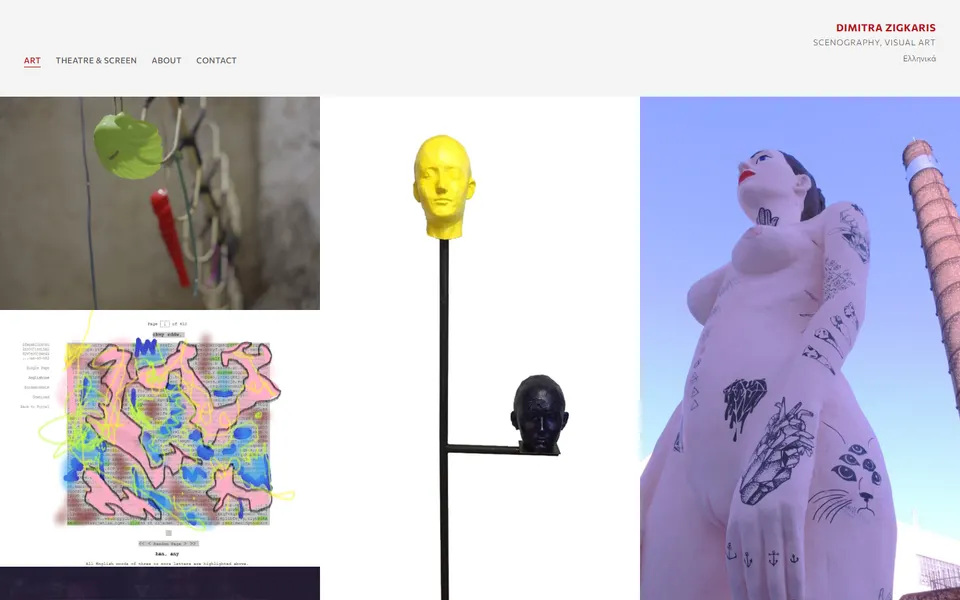
All the works on one quiet wall of images. Each work opens its own project page; Library of Babel shows how one looks.
Pinned scroll

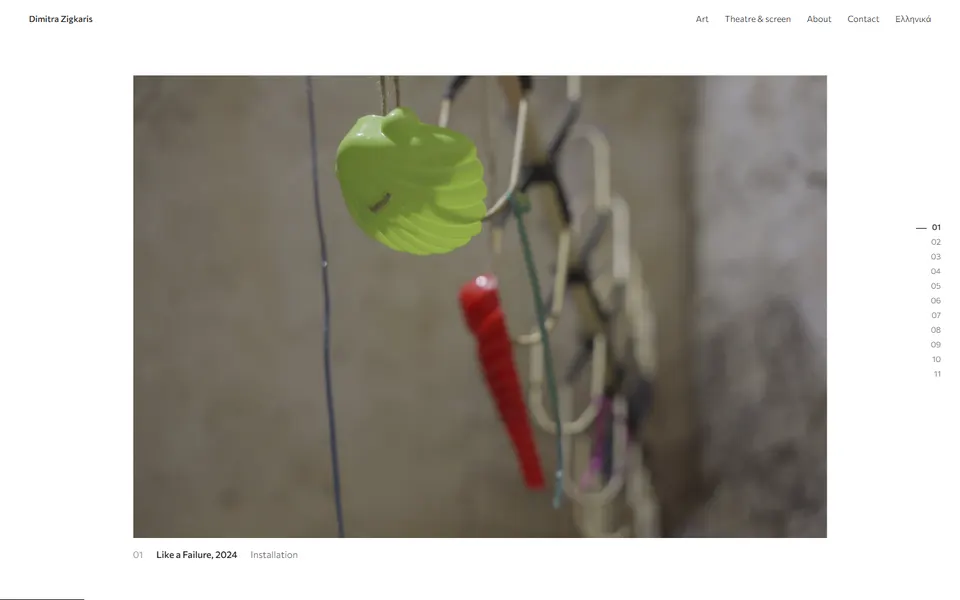
The page holds still while you scroll, and one work replaces the next. Three ways to change works; try all three.

If your phone or computer is set to reduce motion, this one shows a plain list instead.
Hang

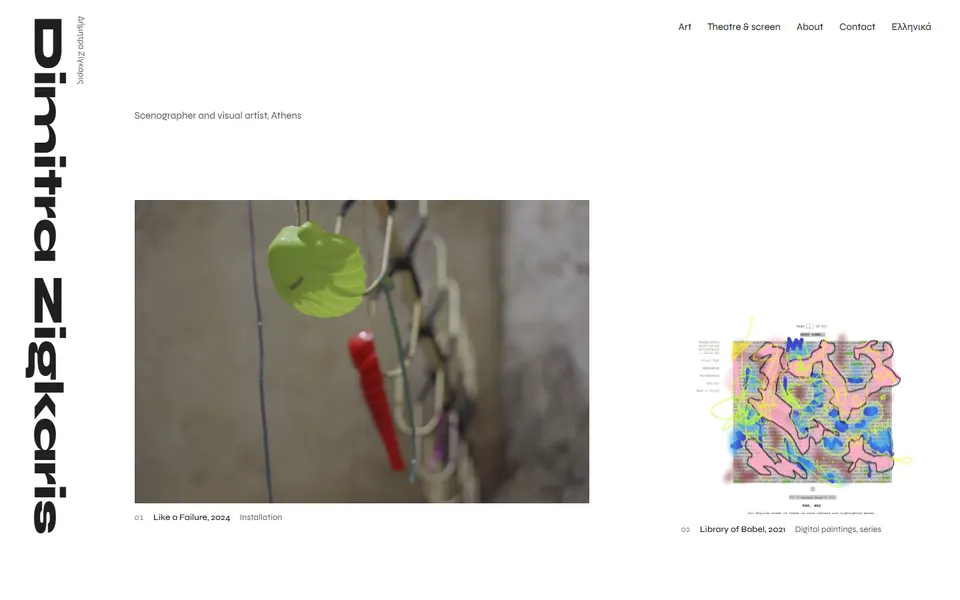
The works hung like an exhibition wall, with the name set as a spine.